
Passport and ID Photo Sizes in Pixels and KB (Official Guide)
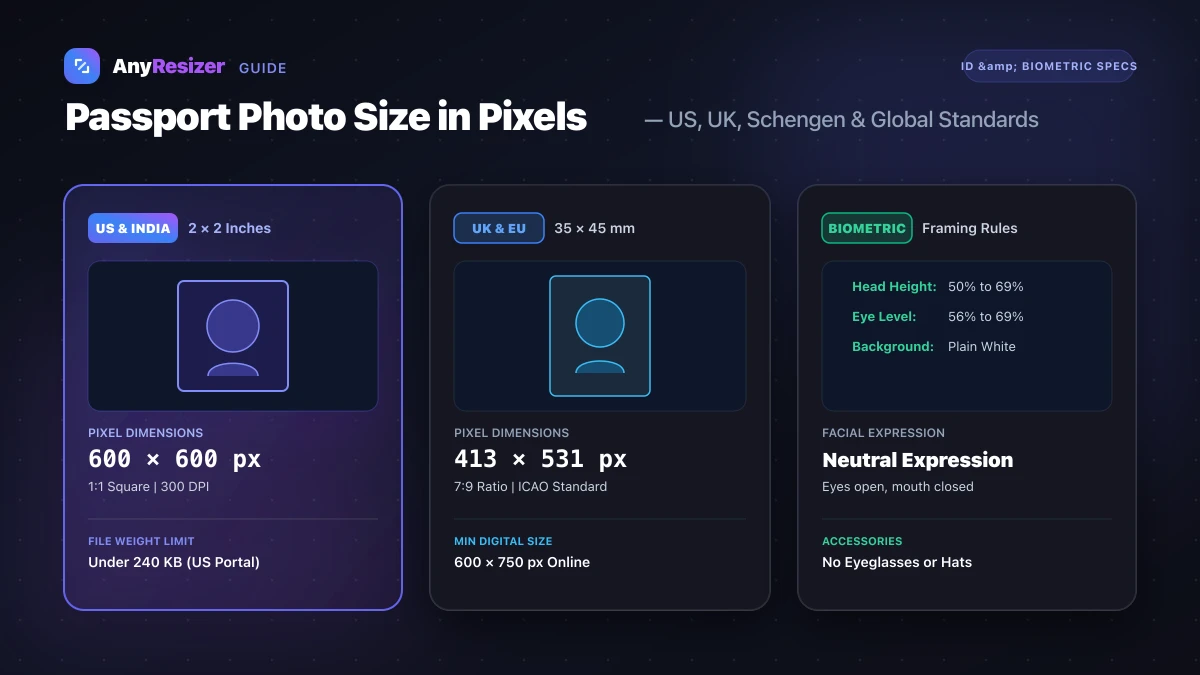
Submitting an incorrectly sized photo is the leading reason passport and visa applications get delayed or rejected.
Passport processing offices use automated biometric software to scan facial features. If your pixel dimensions, aspect ratio, or file size in kilobytes violate official specifications, the portal rejects your upload immediately.
Here are the official pixel, dimension, and kilobyte requirements across major passport agencies worldwide.
Official Passport Photo Sizing by Country
Always check your country's specific guidelines before cropping:
| Country / Region | Physical Size | Ideal Pixels (300 DPI) | Aspect Ratio | Maximum File Weight | Official Agency Rule |
|---|---|---|---|---|---|
| United States (US) | 2 × 2 inches (51 × 51 mm) | 600 × 600 to 1200 × 1200 px | 1:1 Square | 240 KB max (10 KB min) | US Department of State |
| United Kingdom (UK) | 35 × 45 mm (1.38 × 1.77 in) | 413 × 531 px (min 600 × 750 digital) | 7:9 Portrait | 10 MB digital max, 50 KB min | HM Passport Office |
| Schengen / EU | 35 × 45 mm (1.38 × 1.77 in) | 413 × 531 px | 7:9 Portrait | Under 2 MB typical | ICAO 9303 Standard |
| Canada | 50 × 70 mm (2 × 2.75 in) | 590 × 826 px | 5:7 Portrait | Under 4 MB digital | Passport Program Canada |
| India (Passport / OCI) | 2 × 2 inches (51 × 51 mm) | 350 × 350 to 1000 × 1000 px | 1:1 Square | 300 KB max (20 KB min) | Passport Seva Online |
| Australia | 35 × 45 mm (1.38 × 1.77 in) | 413 × 531 px | 7:9 Portrait | Under 4 MB | Australian Passport Office |
To understand how print dots and screen pixels connect for photo paper, read our complete guide on DPI vs PPI and review our photo print resolution chart.
Biometric Framing: Head Height and Margin Rules
Pixel dimensions alone will not guarantee approval. Immigration agencies strictly enforce biometric facial positioning:
- Head size percentage: Your head (from the bottom of the chin to the crown of hair) must occupy between 50% and 69% of the total image height.
- Eye height: Your eyes must sit roughly two-thirds of the way up the canvas (between 56% and 69% from the bottom edge).
- White or off-white background: Backgrounds must be flat, untextured, and free of shadows.
- No accessories: Eyeglasses, headbands, wireless earbuds, and colored contact lenses are prohibited in most jurisdictions.
How to Prepare and Resize Your Passport Photo
When formatting your passport image for online submission or printing at a local pharmacy:
Crop to the correct aspect ratio
Crop your portrait to 1:1 square for US and Indian passports, or 7:9 portrait for UK and Schengen applications.
Set exact pixel dimensions
Resize your image to match the required specifications (such as 600×600 pixels at 300 DPI).
Compress to target KB
Reduce the final file size to stay safely below the government portal's limit (such as 200 KB).
If you need to meet strict upload ceilings for online immigration portals, read our guide on how many KB is a photo. You can also bundle your identity photos and application records into one file by following our guide on how to convert images to PDF.
Frequently asked questions

The AnyResizer editorial team benchmarks image codecs, compression ratios, and web graphic formats using in-browser WASM and Canvas engines.
Related guides
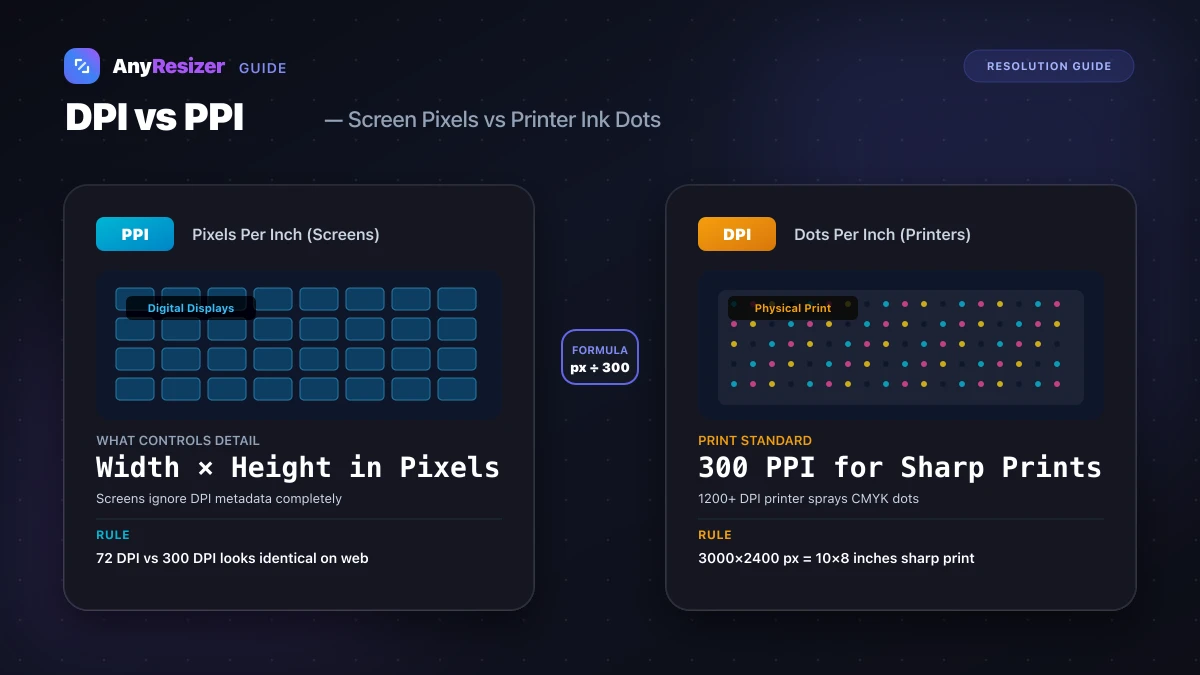
DPI vs PPI: What They Mean and When They Matter
Understand the difference between DPI and PPI, why DPI doesn't affect web images, and how to calculate the right resolution for sharp photo prints.
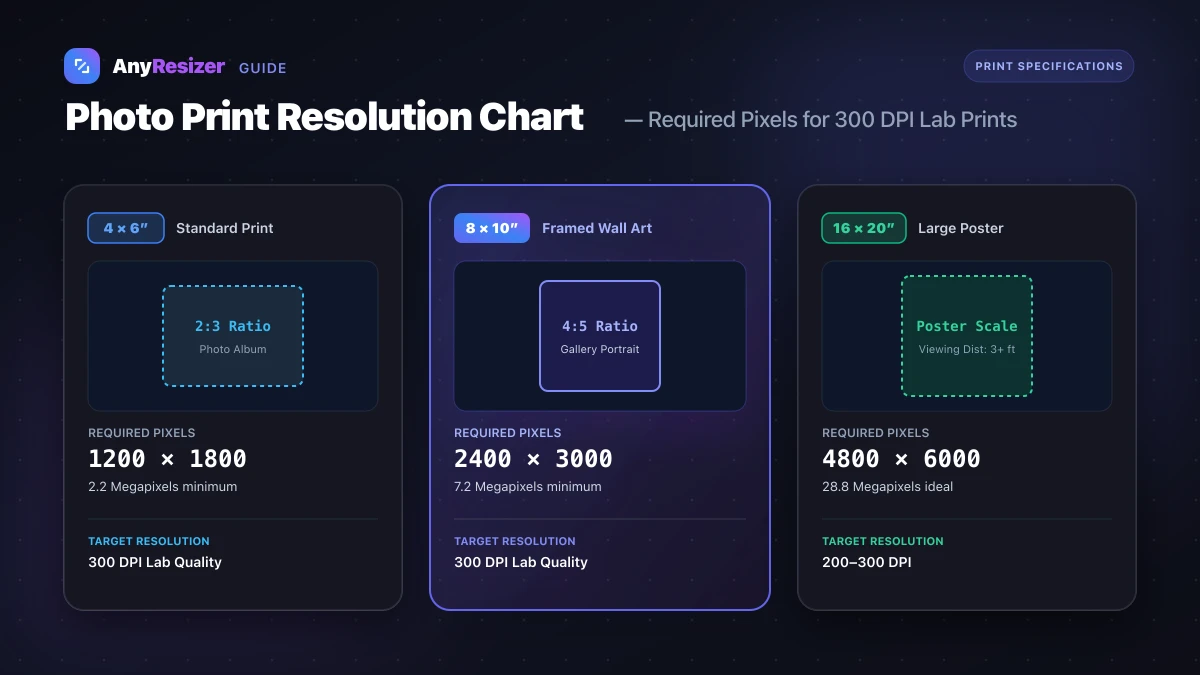
What Resolution Do You Need to Print a Photo? (Size Chart)
Find the exact pixel dimensions and DPI you need to print photos in 4x6, 5x7, 8x10, and poster sizes with crisp, lab-quality detail.
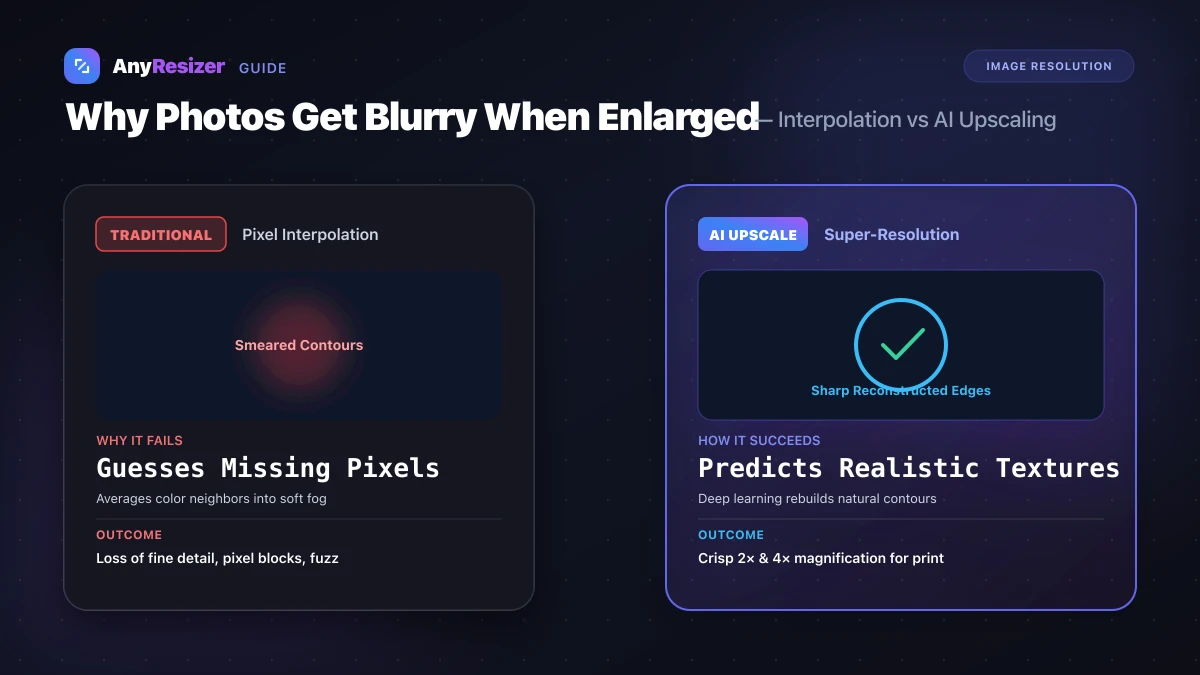
Why Photos Get Blurry When You Make Them Bigger
Discover why making images bigger causes pixelation and blur. Learn how interpolation works and how modern AI upscaling preserves crisp details.