
How Many KB Is a Photo? Typical File Sizes by Phone and Format
When government portals, job applications, or email services reject your attachment for exceeding file limits, knowing your photo's weight helps you pick the right fix.
File sizes vary widely based on your camera hardware, color detail, and encoding format.
Here is an overview of what typical photos weigh across everyday devices, along with methods to shrink them when needed.
Typical Photo File Sizes by Device and Format
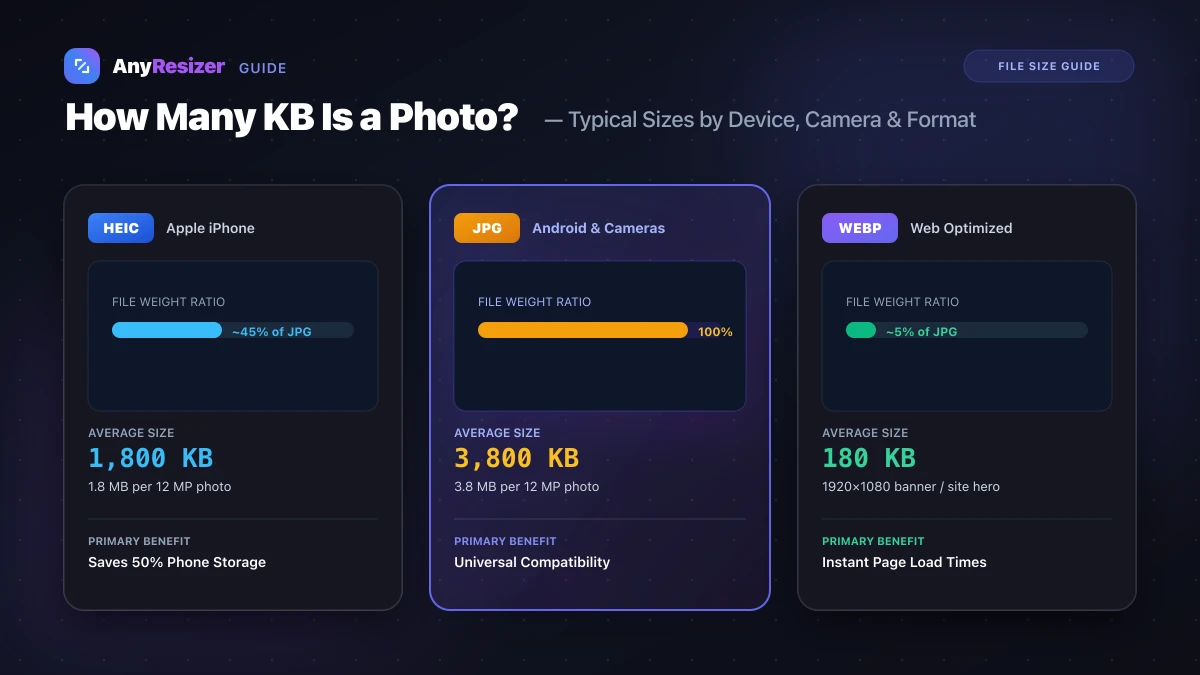
We measured real-world photos taken across popular devices to benchmark average file sizes:
| Device / Capture Source | Saved Format | Pixel Dimensions | Typical Size in KB | Typical Size in MB |
|---|---|---|---|---|
| iPhone (Standard HEIC) | HEIC | 4032 × 3024 (12 MP) | 1,500 – 2,200 KB | 1.5 – 2.2 MB |
| iPhone (Most Compatible) | JPG | 4032 × 3024 (12 MP) | 3,200 – 4,800 KB | 3.2 – 4.8 MB |
| Android Flagship (Galaxy / Pixel) | JPG | 4080 × 3072 (12.5 MP) | 2,800 – 4,500 KB | 2.8 – 4.5 MB |
| iPhone ProRAW (48 MP) | DNG | 8064 × 6048 (48 MP) | 65,000 – 85,000 KB | 65 – 85 MB |
| DSLR / Mirrorless Camera | RAW | 6000 × 4000 (24 MP) | 24,000 – 32,000 KB | 24 – 32 MB |
| Web Banner Image | WebP | 1920 × 1080 | 120 – 250 KB | 0.12 – 0.25 MB |
| Social Profile Picture | JPG | 800 × 800 | 60 – 140 KB | 0.06 – 0.14 MB |
| Website Thumbnail Icon | WebP / PNG | 300 × 300 | 15 – 45 KB | 0.015 – 0.045 MB |
For an in-depth breakdown of how Apple packages compact photos, read our guide on what a HEIC file is.
What Factors Determine a Photo's KB Size?
Three main elements dictate how many kilobytes an image takes on your drive:
- Pixel count: A 48-megapixel photo contains four times as many individual pixels as a 12-megapixel photo, generating significantly more raw data.
- Visual complexity: High-contrast scenes with intricate textures (like grass, branches, or crowd shots) do not compress as tightly as simple scenes (like a sunset or solid background).
- Encoding standard: Newer formats like WebP and AVIF compress pixels far more effectively than legacy JPGs. Check our AVIF vs WebP benchmark to see side-by-side compression numbers.
Why Upload Portals Enforce KB Limits
Government visa systems, university portals, and resume boards often enforce strict caps like "Maximum file size: 200 KB" or "Under 500 KB."
These portals handle millions of submissions every month. Storing multi-megabyte camera photos would overload their storage databases and slow down page loading for remote users.
Shrinking your file does not mean your photo must turn blurry. If you keep the correct aspect ratio, a 200 KB image can remain perfectly sharp on screen.
How to Reduce Photo Size to a Specific KB Target
When you must hit an exact ceiling (such as 100 KB, 200 KB, or 500 KB), follow these steps:
Select your source photo
Drop your photo from your phone or computer into the file reducer.
Enter your target file limit
Type your required size (for example, 200 KB) into the target input.
Download your compliant image
The tool adjusts compression parameters to meet your exact target without unnecessary blur.
If you also need to prepare your photos for physical prints, check our photo print resolution chart to confirm your pixel count meets lab specifications. You can also explore our JPG vs PNG vs WebP comparison to see which format fits your needs.
Frequently asked questions

The AnyResizer editorial team benchmarks image codecs, compression ratios, and web graphic formats using in-browser WASM and Canvas engines.
Related guides
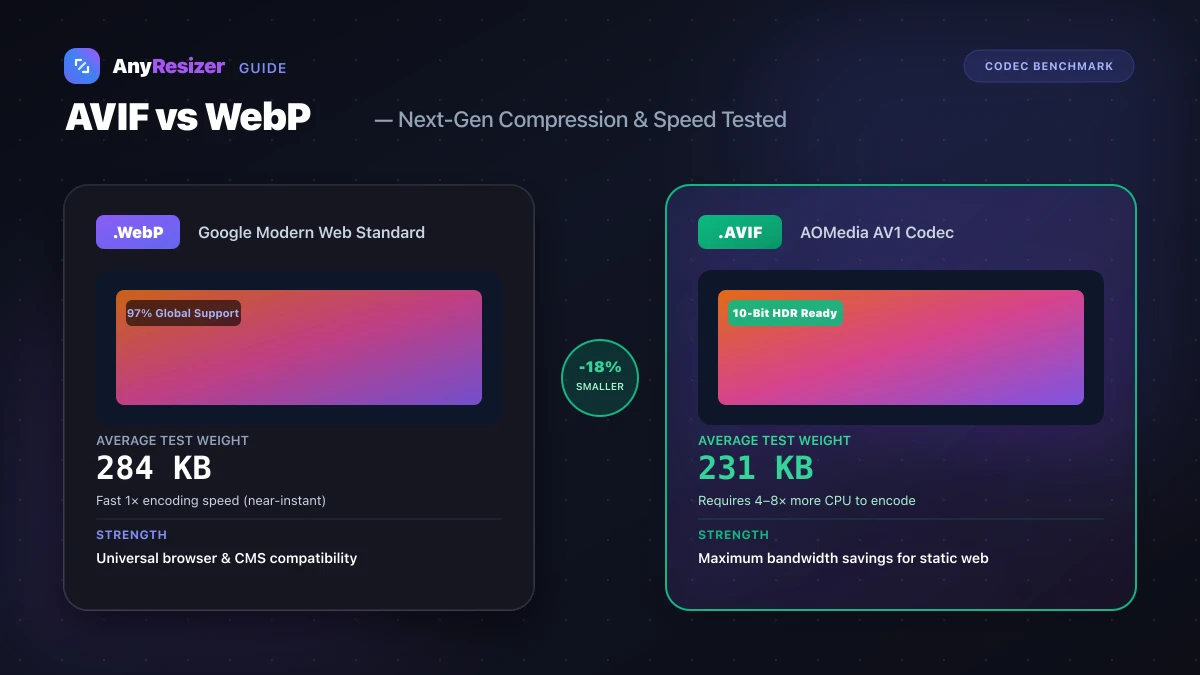
AVIF vs WebP: File Size and Browser Support Tested
Compare AVIF and WebP for image compression, decoding speed, and browser support. See measured file-size test results across 5 photos.
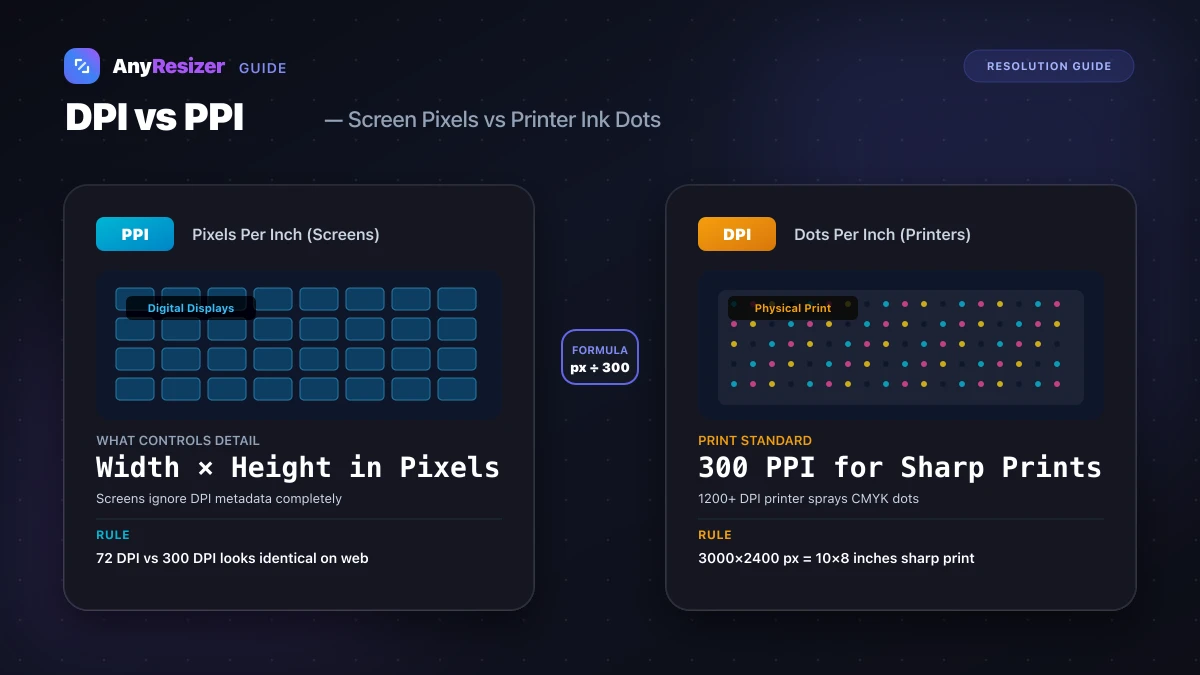
DPI vs PPI: What They Mean and When They Matter
Understand the difference between DPI and PPI, why DPI doesn't affect web images, and how to calculate the right resolution for sharp photo prints.
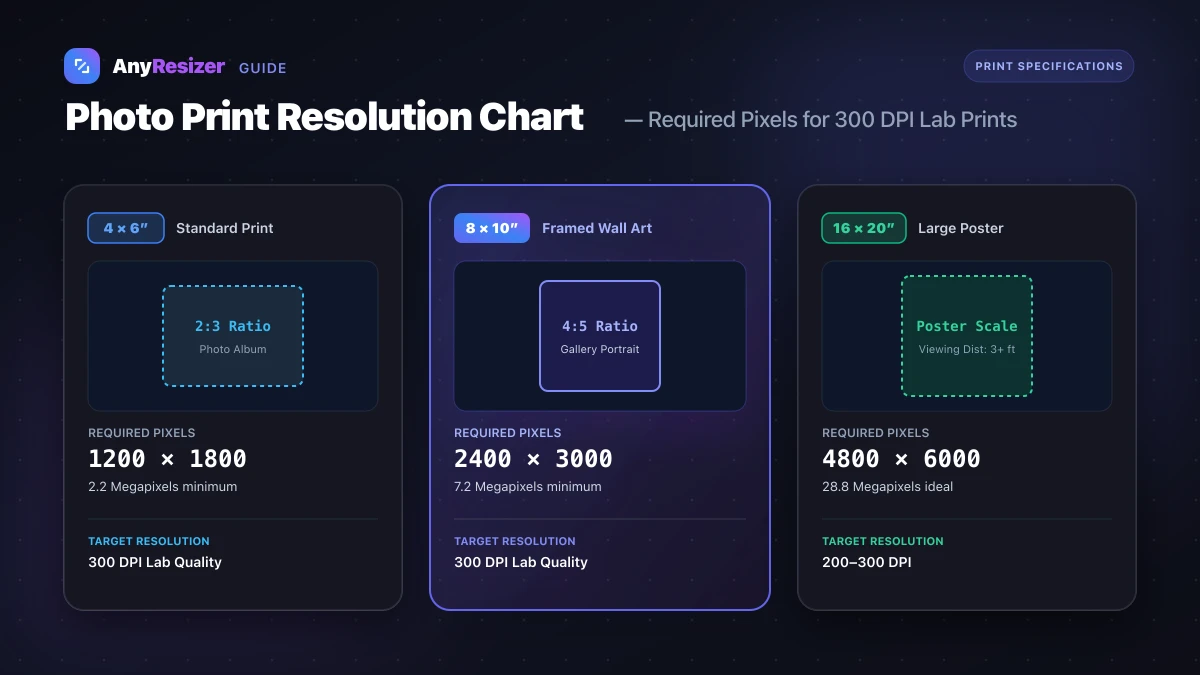
What Resolution Do You Need to Print a Photo? (Size Chart)
Find the exact pixel dimensions and DPI you need to print photos in 4x6, 5x7, 8x10, and poster sizes with crisp, lab-quality detail.